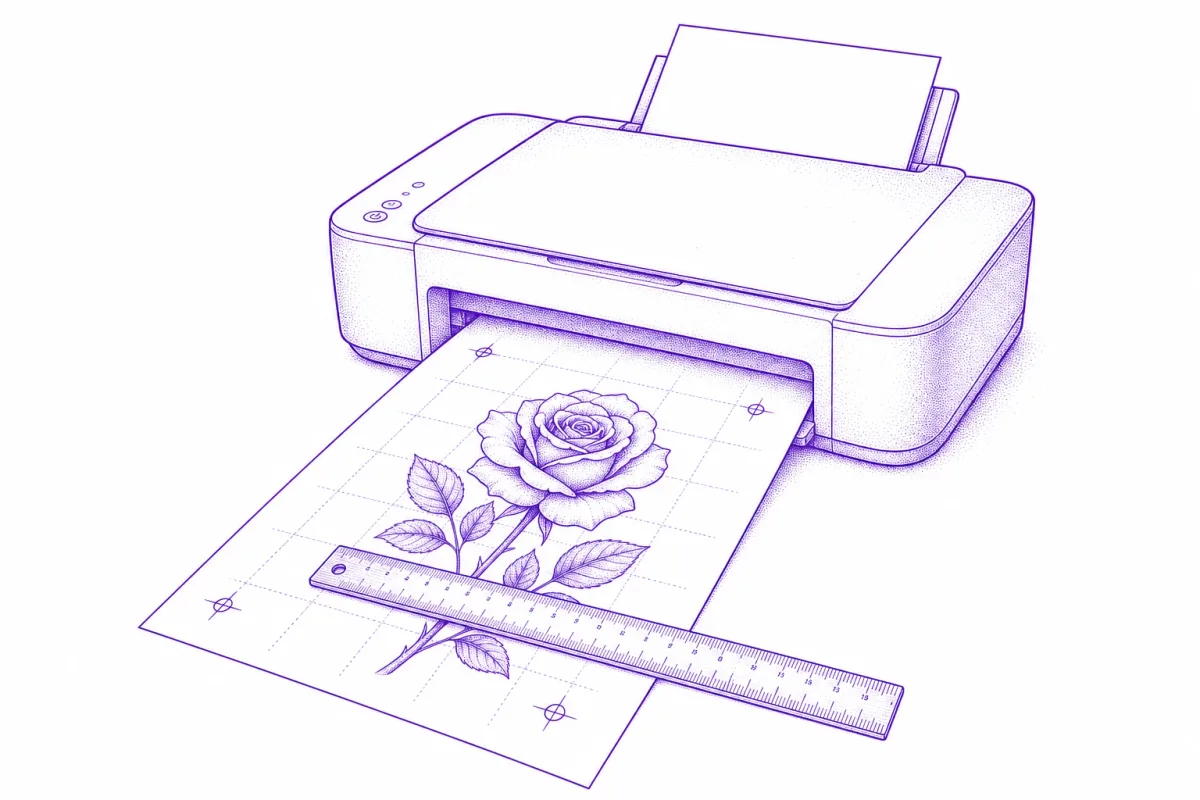
A stencil can have perfect lines and still ruin a session if it prints at the wrong size. It happens constantly, it's nearly invisible until the stencil is next to the body, and it has one boring cause: printer scaling. Here's how to make what comes out of the printer match the centimeters you planned — every time.
Why prints come out the wrong size
Three silent rescalers stand between your design and the paper:
- "Fit to page." The default in most print dialogs. It shrinks or grows the design to fill the printable area — a 12 cm design becomes 10.8 cm and nobody notices until it's on skin.
- Pixel-based sizing. An image that's "1000 pixels wide" has no physical size at all; the printer picks one based on DPI metadata that most editing apps mangle.
- Browser print margins. Printing an image straight from a browser tab adds margins and rescales to fit them.
The reliable way: a true-size PDF
PDFs are the only common format where "10 centimeters" means 10 centimeters on every printer. The workflow that removes all guesswork:
- Measure the placement. Actual body measurements in cm or inches — forearm width, the space between existing pieces, whatever bounds the design.
- Size the design in physical units. Set the artwork's dimensions in mm/cm, not pixels. (Stenstill's stencil maker does this at export — you type the physical size, it lays out the PDF at exact millimeter dimensions on A4, A5, Letter or Legal.)
- Print the PDF at 100%. In the print dialog: scaling = "Actual size" or 100%. Not "fit", not "shrink oversized pages".
- Verify with a ruler. The design (or a reference line included in it) should measure exactly what you planned. Thirty seconds that saves a redo.
From true-size print to skin
The print itself doesn't touch the client — it feeds the stencil. Run it through a thermal copier with thermal paper, or trace it onto hectograph paper by hand (both compared in the transfer paper guide). Either way the physical size carries through 1:1, which is the whole point: the size decision was made once, on screen, with measurements — not eyeballed at any later step.
Sizing judgment: bigger than you think
When in doubt between two sizes, artists almost always go larger. Fine details need room to age well, curved placements (forearms, calves) visually compress a design, and a stencil that's slightly large reads as intentional where one that's slightly small reads as timid. Test placement with the printed paper against the body before committing to the transfer — paper is the cheapest place to change your mind.
Sizing is the last step of stencil-making, not the first — if you're starting from scratch, begin with how to make a tattoo stencil and come back here before you hit print.